
GigNBizz Radio
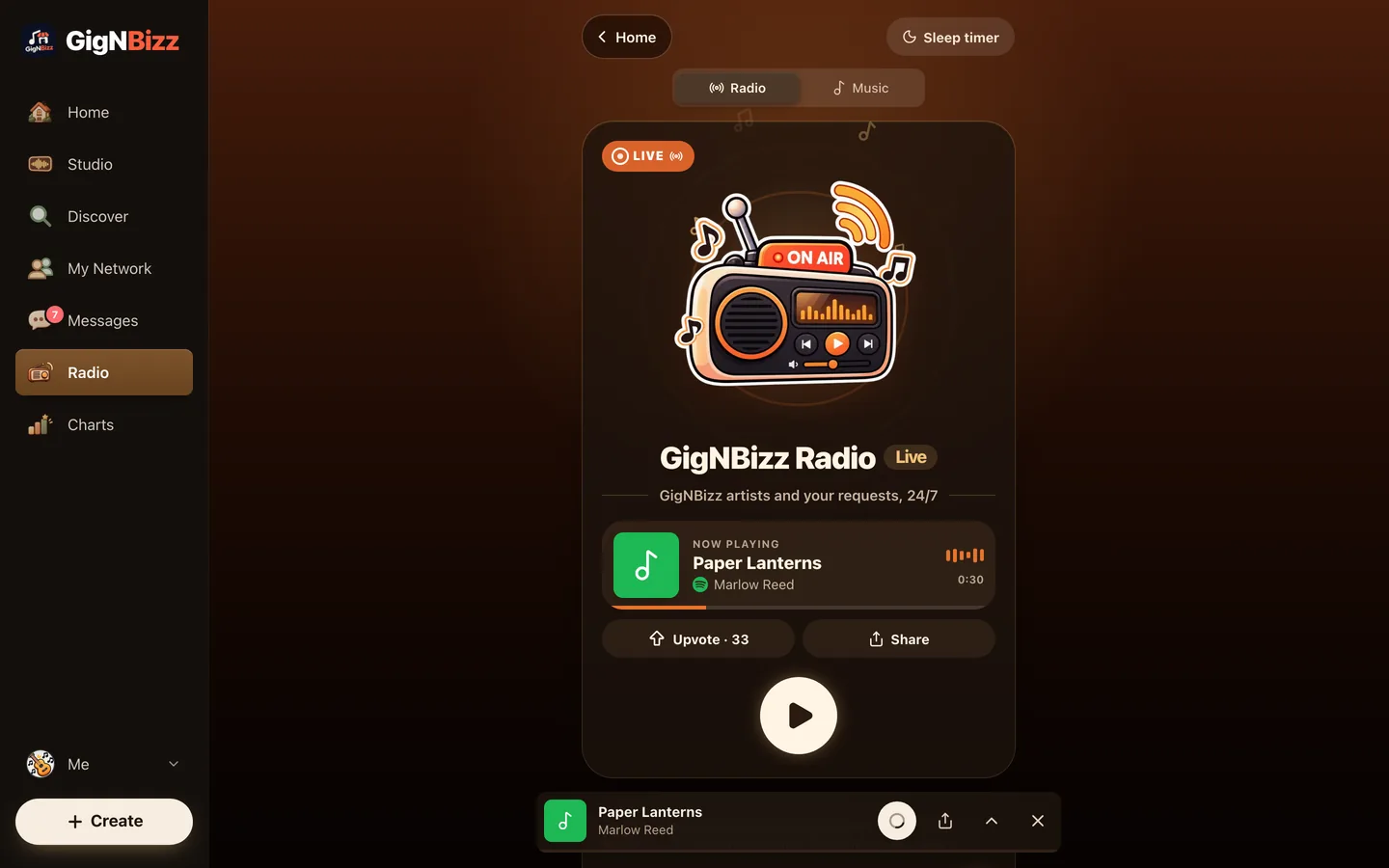
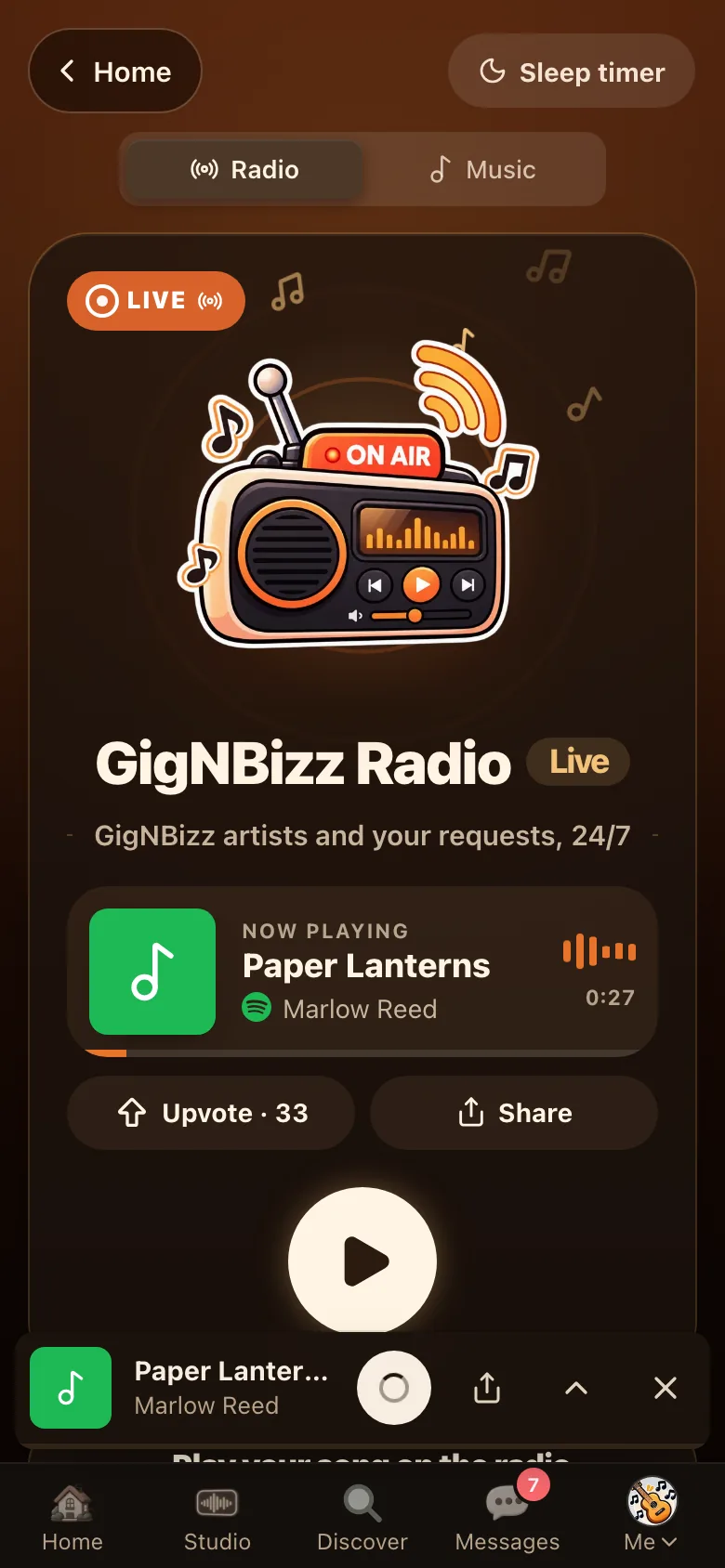
Members' songs, live around the clock. Everyone tuned in hears the same song at the same moment.
What you can do
Live, together
No skipping and no pausing: tune in and you join the song everyone else is hearing.
Request a song
Yours, a favorite, a random find. After a quick check, it gets its own slot on the air, and you hear when.
Radio or Music
Switch to Music to browse the community's songs, and upvote or share the one on the air.
How it works
Step 1: Tune in
From the Radio card on Home, or the Radio screen.
Step 2: Listen live
Each song gets a 30-second slot, with what's coming up and what just played.
Step 3: Love a song?
Upvote it, share it, or play it in full.
Step 4: Request one
Paste any song, and it joins the request line.
Questions, answered
Is GigNBizz Radio free?
Yes. Listening is free for every member, and so is requesting songs.
Why does each song play for 30 seconds?
Without a subscription, Spotify and Apple Music only play 30-second previews, so every listener can hear every slot.
Which songs play on the radio?
Members' songs that GigNBizz approved, plus listeners' requests in slots of their own.
How do I request a song?
Paste a link to it from the homepage or the Radio screen. You'll need an account with a confirmed email (signing up is quick and free). GigNBizz gives each request a quick check before it plays.
How many songs can I request?
One waiting in line at a time, and up to 3 a day.
Free to join.
GigNBizz Radio and everything else on GigNBizz, for music lovers and small artists alike.