
Shareable Profiles
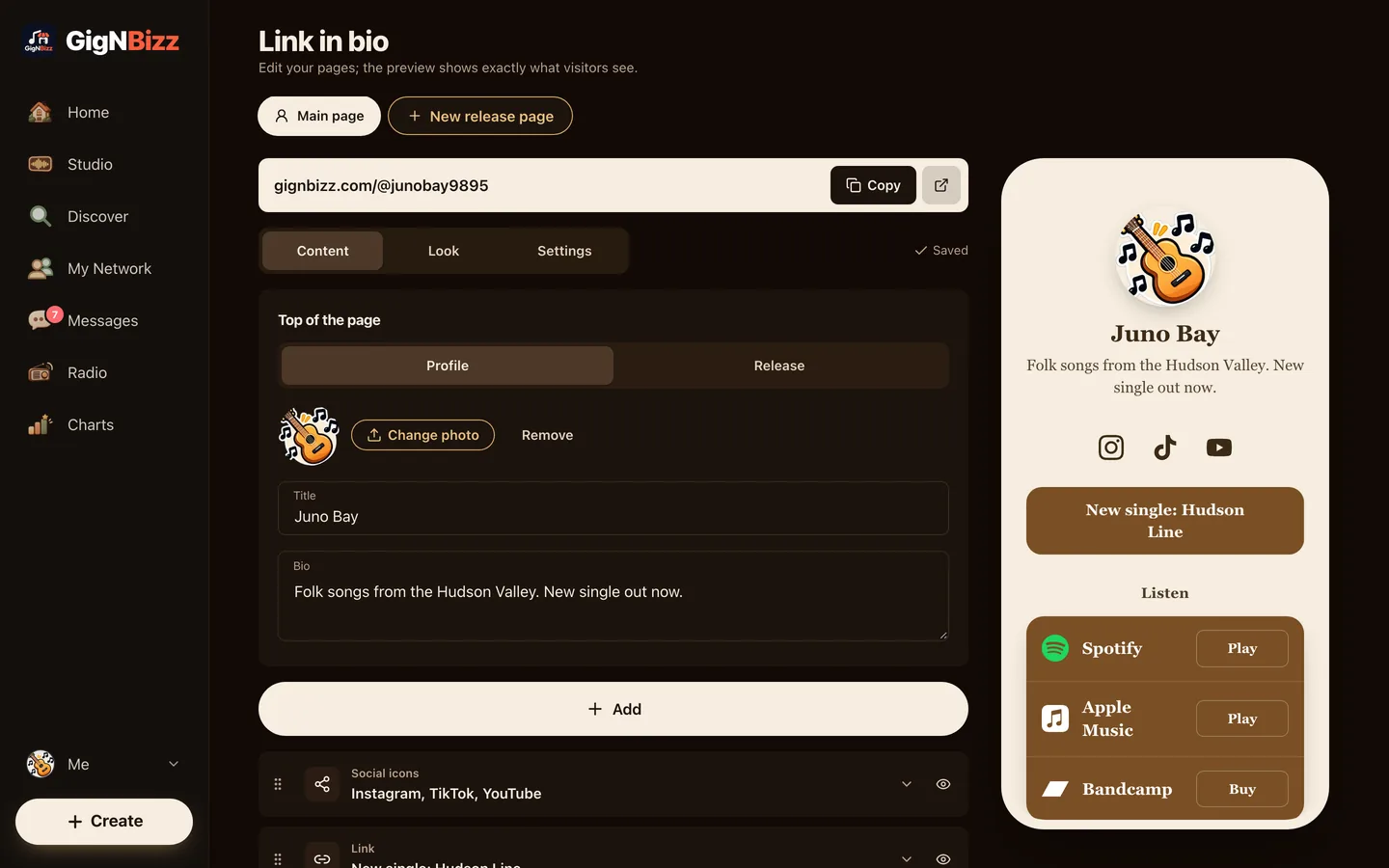
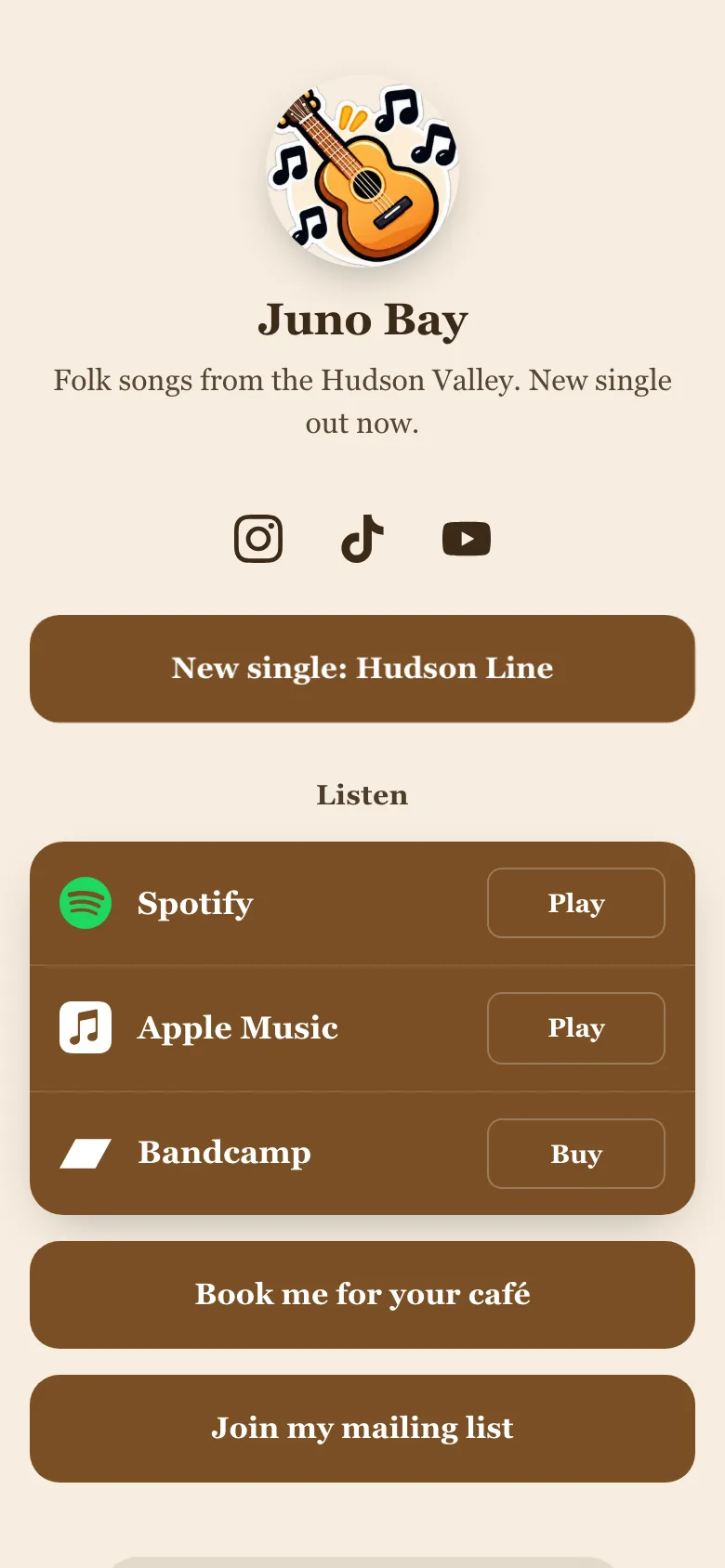
Your own link-in-bio page at gignbizz.com/@you: your music, socials, shows, and more, in one link.
What you can do
One link for every bio
Put gignbizz.com/@you on Instagram, TikTok, and everywhere else, and keep everything behind it up to date.
Make it yours
Themes, colors, fonts, and blocks for links, music players, Play rows, socials, videos, shows, and countdowns.
A page for every release
Give each song its own page with its cover and a Play row for every service, up to 25 of them.
How it works
Step 1: Claim your link
Pick your name and get gignbizz.com/@you.
Step 2: Add your blocks
Your music, socials, shows, and any links you like.
Step 3: Pick a look
Start from a theme, then change the colors, font, and buttons.
Step 4: Share it
Put it in every bio, and see your views and taps.
Questions, answered
Is a link page free?
Yes, for every member. GigNBizz Plus or Premium adds a photo background and lets you hide the small "Made with GigNBizz" at the bottom.
Can I make a page for a single release?
Yes. Each release page has its cover art and a Play row for each music service. You can have up to 25, besides your main page.
Do my shows show up on it?
Add an Upcoming shows block and your gigs from GigNBizz fill in automatically.
Can I see how many people visit?
Yes. Your page counts its views and the taps on each link.
Is this different from my profile?
Your GigNBizz page is your profile in the community. The link page is the one you share outside it, with your own look.
Free to join.
Shareable Profiles and everything else on GigNBizz, for music lovers and small artists alike.